


Pre-built code notebooks
Some weeks I will suggest that you open a google colab notebook. You’ll need to have a gmail/google drive account to save any copies.
If I haven’t provided a direct link, you can retrieve those from this location:
https://github.com/shawngraham/hist3000-f26/tree/main/assets/notebooks
Click on the individual notebook name, and then copy the direct URL to that notebook.
In google colab, select ‘open notebook’, and select ‘from github’.
Put the URL in the search box, and hit enter.
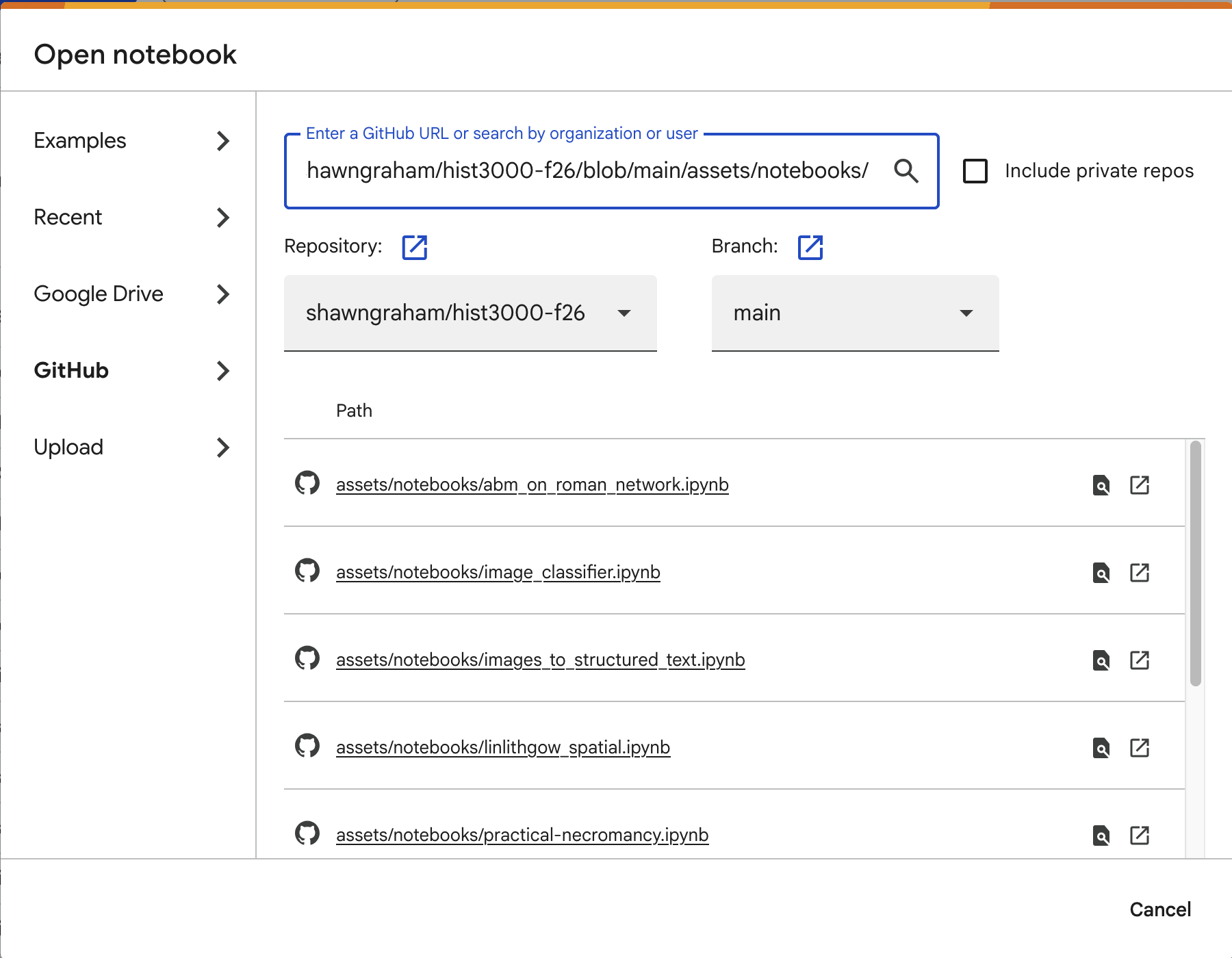
Make sure, once the notebook loads up, to save a copy to your own google drive or github repository before working through and making any changes.
I will also add more notebooks here as the course evolves.